Gaming PC for Beginners: Your Ultimate Starter Guide
Jumping into the world of Gaming PC for beginners the first time? The sheer variety of processors, graphics cards, RAM sizes, and storage options can feel overwhelming. But don’t worry—choosing your first gaming PC doesn’t have to be a puzzle. Whether you’re aiming to conquer esports arenas, lose yourself in sprawling open-world adventures, or simply enjoy gaming as a new hobby, understanding the basics will set you up for success.
This week, we’re breaking down everything you need to know to pick or build a solid gaming PC that fits your needs and budget. Think of it as your friendly roadmap to smooth gameplay without paying for fluff.
What Makes a Gaming PC Different?
At its core, a gaming PC is built to run games efficiently. Unlike a typical office computer, it packs a dedicated graphics card, a faster processor, more RAM, better cooling, and a power supply designed to handle gaming’s demands. But the real magic is in its flexibility—you can tailor it to your budget and upgrade parts as you go, making it a great long-term investment.
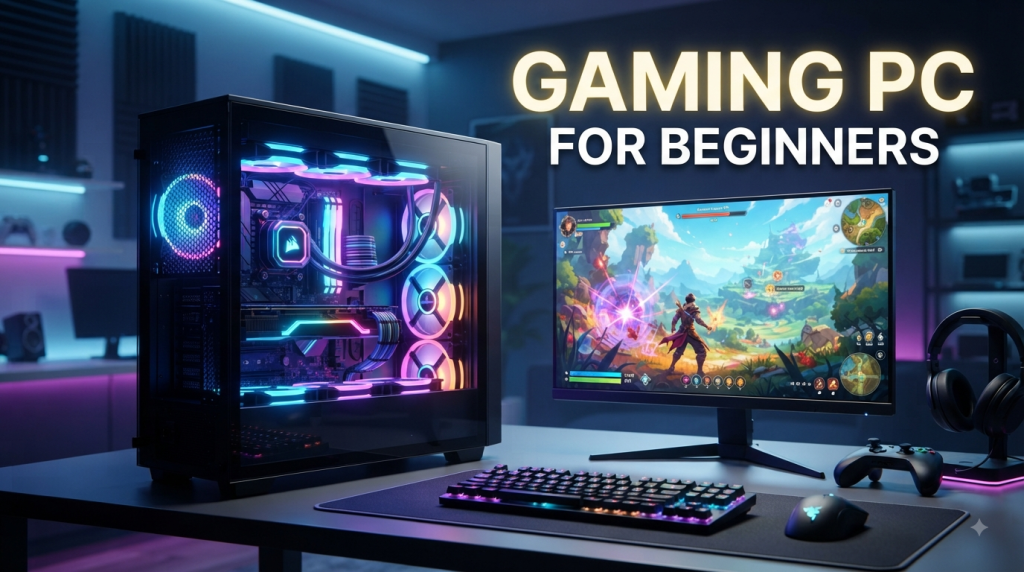
Gaming PC for beginners
Besides delivering better graphics and higher frame rates, gaming PCs are versatile. They’re just as great for schoolwork, streaming, or video editing as they are for gaming. Plus, their upgrade-friendly nature means you can boost performance over time. For beginners, this balance of power and adaptability makes a gaming PC a smart choice.
Breaking Down the Essential Components
1. Processor (CPU)
The CPU is the brain of your computer, handling instructions and keeping everything running smoothly. Brands like AMD Ryzen and Intel Core dominate the scene. Instead of chasing the highest numbers, look for a modern CPU with enough cores for good gaming performance. Remember, pairing a powerhouse CPU with a weak graphics card won’t give you the best experience.
2. Graphics Card (GPU)
The GPU is your visual powerhouse, rendering everything you see on-screen. NVIDIA GeForce and AMD Radeon lead the pack here. For 1080p gaming, a solid mid-range GPU usually hits the sweet spot. Want to dive into higher resolutions or more demanding titles? You’ll want to step up your GPU game accordingly.
3. RAM
RAM is your system’s short-term memory, helping with multitasking and smooth gameplay. For most beginners, 16GB is a practical starting point. If you plan to stream or run heavy applications alongside gaming, consider adding more. Also, ensure your RAM is compatible with your motherboard.
4. Storage
Storage holds your games, OS, and files. An SSD beats traditional hard drives for gaming because it speeds up loading times and system responsiveness. Starting with a 1TB SSD is sensible—modern games can be hefty. You can always add more storage later as your library grows.
Setting Your Budget Wisely
Your budget will shape your gaming rig’s performance. Entry-level setups work for casual or esports gamers, while mid-range systems offer wider game compatibility and better settings. High-end machines are for those chasing ultra-high resolutions and frame rates.
Balance is key. Don’t blow your whole budget on a single component. A well-rounded combo of CPU, GPU, RAM, storage, and power supply delivers the best experience.
Prebuilt vs. Building Your Own PC
Prebuilt Gaming PCs
These come ready to plug in and play—perfect if you want convenience and warranty assurance. Just double-check specs; some budget prebuilts skimp on parts like power supplies or storage.
Building Your Own PC
Building your rig means handpicking every part, offering deeper understanding and tailored performance. It requires research and care to ensure compatibility between CPU, motherboard, RAM, GPU, PSU, and case. If you’re new to hardware, a trusted prebuilt might be easier to start with.
Choosing the Right Monitor
Your monitor should match your gaming goals and GPU power. For many beginners, a 1080p display with a higher refresh rate offers smooth gameplay. Competitive gamers might prioritize refresh rate for fluid motion, while single-player fans may prefer higher resolution and image quality. Match your monitor to your GPU’s capabilities for the best experience.
Cooling and Power Supply Basics
Gaming gear generates heat, so good airflow and cooling are essential. Most setups use case fans and CPU coolers—liquid cooling isn’t necessary for most beginners. Keep your PC dust-free to maintain performance.
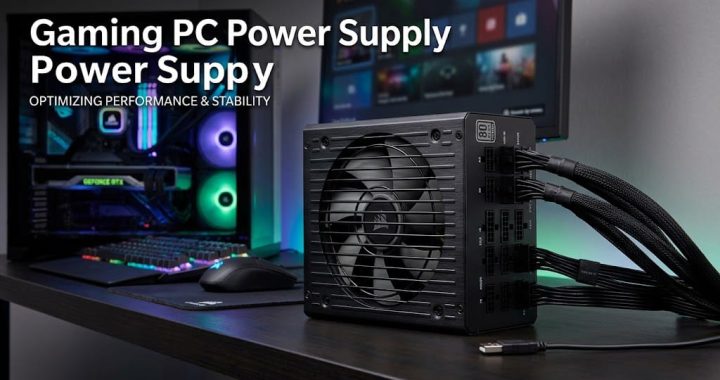
The power supply unit (PSU) powers your components. It’s crucial to pick a reliable PSU with enough wattage—not necessarily the highest number, but quality from a reputable brand. Check your GPU and system’s power recommendations before buying.
Don’t Forget Your Accessories
A gaming PC isn’t complete without a comfy keyboard, a precise mouse, and a good headset. You don’t have to splurge, but picking gear that feels good and suits your style will make gaming sessions more enjoyable.
Common Pitfalls to Avoid
- Focusing only on the GPU and neglecting other components.
- Buying too little storage—modern games can take up a lot of space.
- Failing to check compatibility between CPU, motherboard, RAM, and case.
- Choosing a cheap, unreliable power supply.
How to Keep Your Gaming PC Going Strong
Take care of your rig by keeping it clean, ensuring good airflow, and updating drivers and software. Upgrade parts like RAM, storage, or the GPU over time to keep up with new games and maintain performance.
Wrapping Up
Building or buying your first gaming PC is exciting, and it doesn’t have to be overwhelming. Focus on understanding what each component does, set a realistic budget, and aim for a balanced system. Whether you pick a prebuilt or dive into building your own, a well-chosen setup will bring you smooth gameplay and plenty of fun for years to come.
Happy gaming, and stay tuned for more tips to level up your PC experience next week!