Avadirect custom gaming pc: A Complete Guide for Gamers
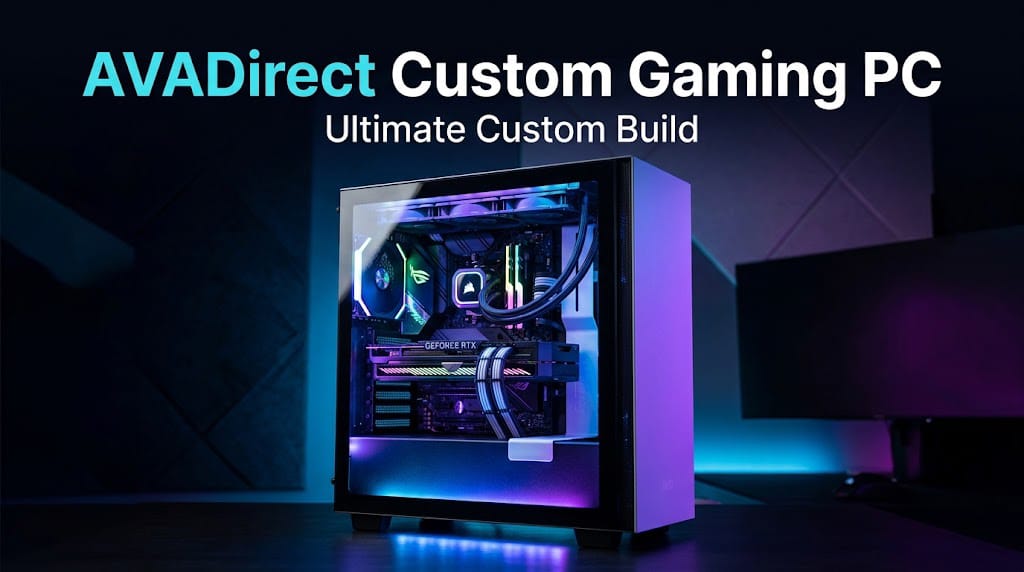
If you are looking for a powerful gaming computer that can be built around your specific needs, an AVADirect Custom Gaming PC can be an excellent option. Instead of purchasing a pre-built computer with fixed specifications, a custom gaming PC allows you to select important components such as the processor, graphics card, memory, storage, cooling system, and power supply.
Gaming requirements are different for every player. Some gamers want a high-end system for demanding AAA games, while others need an affordable computer for esports titles and everyday use. A custom PC gives you more flexibility to create a system that matches your gaming goals and budget.
What Is an AVADirect Custom Gaming PC?
An AVADirect Custom Gaming PC is a desktop computer configured according to the buyer’s preferred hardware and performance requirements. The system can be designed for gaming, streaming, content creation, virtual reality, or a combination of these tasks.
The main advantage of choosing a custom configuration is that you do not have to accept hardware that you do not need. You can focus your budget on the components that matter most for your gaming experience.
For example, a gamer who mainly plays competitive games may prioritize a powerful graphics card and a fast monitor, while someone interested in streaming and video editing may want a stronger processor, more RAM, and additional storage.
Why Choose an AVADirect Custom Gaming PC?
There are several reasons gamers consider custom-built systems. One of the biggest benefits is flexibility. You can select hardware based on the games you play and the performance you expect.
A custom configuration can also make upgrading easier. If you choose a motherboard, power supply, case, and cooling solution with future upgrades in mind, you may be able to replace individual components later instead of purchasing an entirely new computer.
Another advantage is personalization. Gamers can select a case design, lighting options, cooling configuration, storage capacity, and other features to create a computer that fits their preferences.
Processor Selection
The processor, or CPU, is one of the most important components in a gaming computer. It handles game calculations, background applications, system processes, and many other tasks.
When configuring an AVADirect Custom Gaming PC, choose a processor that matches your graphics card and gaming requirements. A modern multi-core processor can provide strong performance for gaming while also handling streaming, browsing, communication apps, and other tasks.
For competitive gaming, CPU performance can be particularly important when trying to achieve high frame rates. For users who also create videos or stream games, additional processing cores can be helpful.
Choosing the Right Graphics Card
The graphics processing unit, or GPU, has a major impact on gaming performance. It is responsible for rendering game visuals and can influence resolution, frame rates, ray tracing, and other graphical features.
Your GPU should be selected according to the resolution at which you want to play. A system designed for 1080p gaming may not require the same graphics hardware as a computer intended for high-resolution gaming.
If you want to play demanding modern games at higher settings, investing more of your budget in a capable graphics card can make sense. However, the GPU should still be balanced with the processor and other components.
RAM for Gaming
Random access memory, commonly called RAM, helps your computer manage running applications and games. Having enough RAM can help provide a smoother experience when multiple programs are open.
For a modern gaming computer, choosing an appropriate amount of RAM is important. Gamers who also stream, edit videos, use browsers with many tabs, or run other applications may benefit from additional memory.
It is also important to consider RAM speed and compatibility with the selected motherboard and processor.
Storage Options
Storage affects how quickly your computer can load the operating system, applications, and games. Modern gaming PCs commonly use solid-state drives because SSDs provide fast access to data.
When building an AVADirect Custom Gaming PC, you can choose storage capacity according to your game library. Modern games can require substantial amounts of storage, so a larger drive can be useful if you regularly install many titles.
A combination of fast primary storage and additional storage can also be useful. For example, an SSD can be used for the operating system and frequently played games, while another drive can provide extra space for larger files.
Cooling and Thermal Performance
Gaming can place significant workloads on a computer’s processor and graphics card. Effective cooling helps maintain stable performance and can prevent excessive temperatures.
A custom gaming PC may use air cooling or liquid cooling depending on the selected hardware and configuration. The right solution depends on the processor, case, workload, noise preferences, and budget.
Good airflow is also important. Properly positioned intake and exhaust fans can help move warm air away from important components.
Power Supply
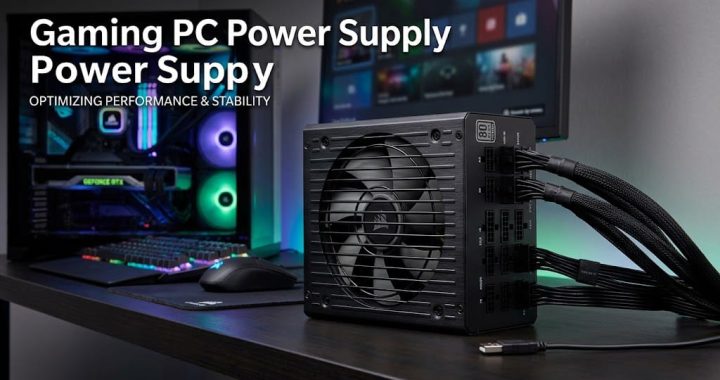
The power supply unit, or PSU, provides electricity to the components inside the computer. It is an important part of any gaming PC because the system needs enough power to operate reliably.
When selecting an AVADirect Custom Gaming PC, the power supply should have sufficient capacity for the processor, graphics card, storage devices, cooling system, and other components.
It is generally better to choose a quality power supply with appropriate capacity rather than selecting a unit based only on price.
Case and Design
The PC case protects internal components and affects airflow, cooling, expansion, and overall appearance.
A custom system gives you the opportunity to select a case that matches your preferred design. Some gamers prefer a simple professional appearance, while others enjoy RGB lighting and a more aggressive gaming style.
Before choosing a case, make sure it has enough space for the motherboard, graphics card, cooling system, storage drives, and other hardware.
Gaming and Streaming
A custom gaming PC can be configured for more than gaming. Many gamers stream their gameplay on platforms such as YouTube or Twitch while communicating with viewers.
Streaming can increase system workload because the computer may need to run the game, broadcasting software, voice chat, and other applications simultaneously.
If streaming is part of your plans, consider a capable processor, sufficient RAM, a strong graphics card, and fast storage. A balanced configuration can help the computer handle gaming and streaming more comfortably.
VR and High-Resolution Gaming
Gamers interested in virtual reality or high-resolution gaming may require more powerful hardware. VR applications can demand strong graphics performance, while higher resolutions require the GPU to render more pixels.
A custom PC allows you to prioritize graphics performance when configuring a system for these demanding applications.
Before purchasing components, check the hardware requirements of the games and applications you plan to use. This can help you avoid spending too much on unnecessary hardware or selecting components that are not powerful enough.
Upgrade Potential
One of the most useful benefits of a custom gaming computer is upgrade potential. Gaming technology continues to change, and new processors, graphics cards, storage devices, and other components are released regularly.
A well-planned AVADirect Custom Gaming PC can provide a foundation for future upgrades. Depending on compatibility, you may eventually upgrade the graphics card, add more storage, increase RAM, or replace other components.
Planning for upgrades from the beginning can help extend the useful life of your computer.
Custom Gaming PC for Different Budgets
Not every gamer needs an expensive high-end computer. A custom configuration can be designed around different budgets.
For an entry-level system, the focus can be on providing solid performance for popular games without spending heavily on premium components. A mid-range configuration can provide a balance between price and performance, while a high-end system can target demanding games, high resolutions, streaming, and other intensive workloads.
The best approach is to identify your gaming needs first and then allocate your budget to the components that will have the greatest impact.
Maintenance Tips
After purchasing your custom gaming PC, regular maintenance can help keep the system running properly. Keep the computer in a clean and well-ventilated area, and make sure the air vents are not blocked.
Dust can accumulate over time, so cleaning the exterior vents and fans periodically can help maintain airflow. Software updates, graphics driver updates, and operating system updates can also be important for security and performance.
It is also a good idea to monitor system temperatures during demanding workloads, especially if you notice unusual performance changes.
Is an AVADirect Custom Gaming PC Worth It?
For gamers who want greater control over their computer’s hardware, an AVADirect Custom Gaming PC can be a worthwhile choice. Customization allows you to select components based on your preferred games, performance goals, budget, and future upgrade plans.
Instead of paying for features you may never use, you can focus your budget on the hardware that matters to you. A carefully balanced configuration can provide excellent gaming performance while also supporting streaming, content creation, productivity, and other demanding tasks.
Final Thoughts
An AVADirect Custom Gaming PC offers flexibility for gamers who want to build a computer around their specific requirements. From the processor and graphics card to RAM, storage, cooling, power supply, and case, each component contributes to the overall experience.
The key is to create a balanced configuration rather than focusing on one expensive component. Consider the games you play, the resolution you want, your budget, and whether you plan to stream or create content.
With the right combination of hardware, a custom gaming PC can provide strong performance today while leaving room for upgrades in the future. For gamers who value personalization and hardware flexibility, a custom-built system can be a practical way to create a gaming setup that fits their needs.