Best iPad for Drawing: Complete Guide for Digital Artists
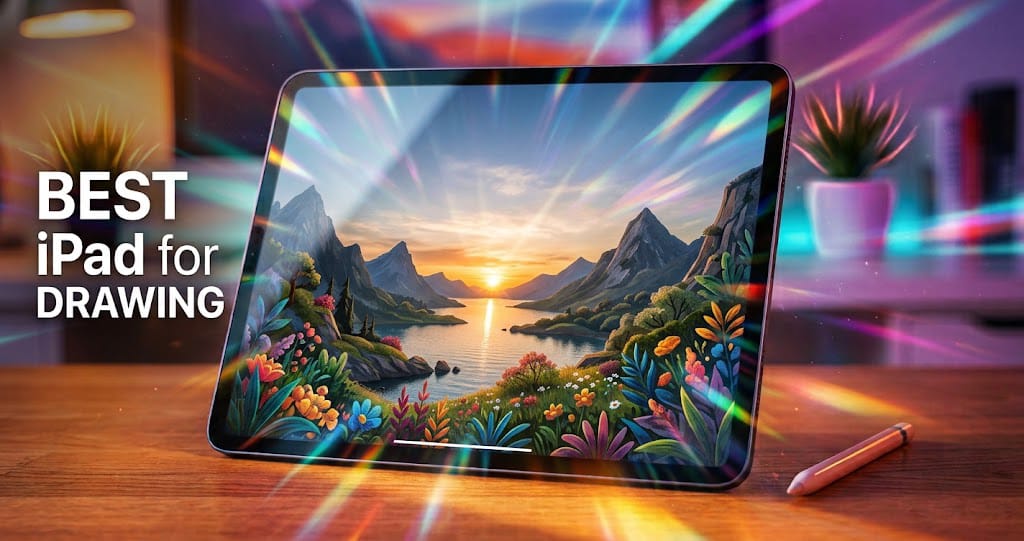
If you are looking for the best iPad for drawing, you have several excellent options to choose from. Apple’s iPad lineup has become extremely popular among digital artists, students, illustrators, designers, and hobbyists because of its powerful performance, high-quality displays, and excellent Apple Pencil support. Whether you are creating simple sketches or professional digital artwork, choosing the right iPad can make your drawing experience smoother and more enjoyable.
The best iPad for drawing should offer a responsive display, strong performance, good battery life, enough storage, and compatibility with the right Apple Pencil. However, the ideal model depends on your budget and the type of artwork you want to create.
Why Choose anBest iPad for Drawing?
An iPad can be an excellent digital drawing device because it combines a large touchscreen with powerful hardware in a portable design. Unlike a traditional drawing tablet that usually needs to be connected to a computer, an iPad allows you to draw almost anywhere.
With an Apple Pencil, you can make precise strokes, create detailed illustrations, write notes, and edit artwork naturally. Apps such as Procreate, Adobe Fresco, Clip Studio Paint, and other creative applications provide artists with a wide range of brushes, layers, colors, and editing tools.
Another advantage is portability. You can carry an iPad in a backpack and use it at home, school, college, or while traveling.
Best iPad for Drawing
Apple offers different iPad models, and each one has its own advantages. Some are designed for professional users, while others are better suited to students and beginners.
iPad Pro
For professional artists, the iPad Pro is one of the strongest choices. It offers powerful performance and a premium display that can make digital artwork look impressive. The large-screen versions provide plenty of workspace for detailed illustrations, graphic design, animation, and photo editing.
The iPad Pro is particularly useful for artists who work with large files and demanding creative applications. Its powerful processor allows apps to run smoothly, even when you are working with multiple layers or complex projects.
If budget is not your biggest concern and you want a premium drawing experience, the iPad Pro is worth considering.
iPad Air
The iPad Air offers a strong balance between price and performance. It is a popular option for artists who want powerful hardware without necessarily paying for the highest-end iPad Pro.
The iPad Air can handle drawing applications, digital illustrations, note-taking, photo editing, and many other creative tasks. Its lightweight design also makes it convenient for artists who want a portable drawing setup.
For many users, the iPad Air can be the best iPad for drawing because it combines performance, portability, and value.
Standard iPad
The standard iPad can be a good choice for beginners, students, and casual artists. If you are learning digital drawing and do not need the most advanced specifications, a standard iPad can provide a capable starting point.
It can run popular creative applications and support compatible Apple Pencil models. This makes it useful for basic sketches, school projects, handwritten notes, and simple illustrations.
Its lower price compared with premium models makes it attractive for people who are buying their first drawing tablet.
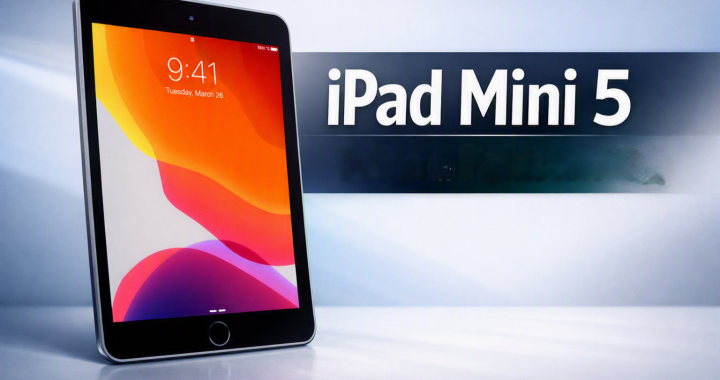
iPad Mini
The iPad Mini is designed for people who prioritize portability. Its smaller screen makes it easy to carry and use with one hand, making it convenient for quick sketches and notes.
However, artists who frequently work on detailed illustrations may prefer a larger screen because it provides more space for the canvas and drawing tools.
The iPad Mini is therefore better suited to users who value compact size and portability over having the largest possible drawing workspace.
Apple Pencil Support
When selecting an iPad for drawing, Apple Pencil compatibility is extremely important. Different iPad models support different Apple Pencil versions and features, so you should check compatibility before purchasing.
A compatible Apple Pencil provides precise input that feels much more natural than using your finger. Depending on the model, features can include pressure sensitivity, tilt support, low latency, and other functions designed for creative work.
For serious digital artists, these features can make a noticeable difference when creating lines, shading, and detailed artwork.
Display Quality Matters
The screen is one of the most important features when choosing an iPad for drawing. A high-quality display can make colors, details, and fine lines easier to see.
A larger display provides more room for your artwork. This is especially helpful when working on complex illustrations that contain many layers and small details.
Screen technology also affects the overall experience. Premium iPad models generally offer more advanced displays, while less expensive models may use simpler screen technology.
If you spend several hours drawing every day, investing in a model with a high-quality display can be worthwhile.
Performance and Processing Power
Digital drawing applications can become demanding when you work with large canvases, many layers, animations, or high-resolution artwork. This is why processing performance is another important factor.
A powerful iPad can open creative applications quickly and handle complex projects more smoothly. It can also be useful if you plan to use the same device for video editing, gaming, photo editing, or other demanding tasks.
Beginners who only create simple sketches may not need the most powerful processor. Professional artists, however, may benefit from choosing a higher-performance model.
Storage Capacity
Storage is easy to overlook when buying an iPad for drawing. Digital artwork can consume significant storage space, particularly when you save high-resolution images, animations, videos, and project files.
If you only create occasional sketches, a lower storage capacity may be enough. Artists who maintain large collections of artwork should consider choosing more storage.
Cloud storage and external storage solutions can also help manage files, but having sufficient internal storage provides greater convenience.
Best Drawing Apps for iPad
Choosing the right application is almost as important as choosing the iPad itself. There are many creative apps available for digital artists.
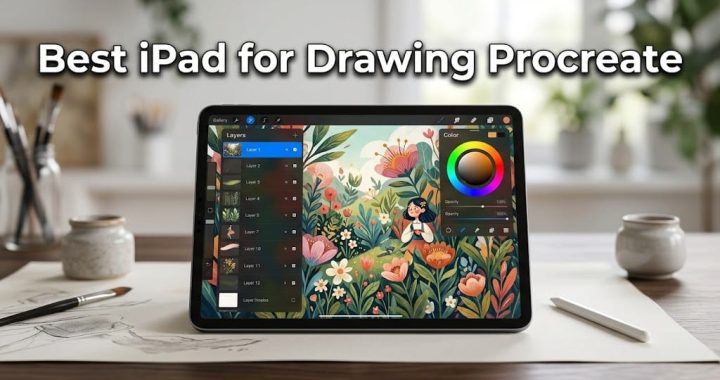
Procreate is one of the most popular drawing applications for iPad users. It provides a large selection of brushes, layers, effects, and other tools.
Adobe Fresco is another useful option for artists who want raster and vector-based drawing tools. It can be particularly useful for users already familiar with Adobe’s creative ecosystem.
Clip Studio Paint is popular among illustrators and comic artists because it provides tools for drawing, illustration, and manga-style artwork.
Other applications can also be useful for graphic design, photo editing, animation, and note-taking.
iPad for Beginners
If you are new to digital drawing, you do not necessarily need the most expensive iPad. A standard iPad with a compatible Apple Pencil can provide everything you need to learn basic digital art.
Beginners should focus on getting a comfortable setup rather than purchasing the most powerful device available. A good drawing application, compatible stylus, and enough storage may be more important than premium specifications.
As your skills improve, you can decide whether you need a more advanced iPad.
iPad for Professional Artists
Professional artists often require more performance and screen space. If you regularly create high-resolution illustrations, animations, professional designs, or commercial artwork, a higher-end iPad can be a better investment.
The iPad Pro is particularly attractive for professionals because of its powerful hardware and premium features. A larger display can also make it easier to manage complex projects.
However, the iPad Air can also be an excellent professional drawing device for users who want strong performance while keeping the overall cost lower.
Battery Life and Portability
Battery life is another important consideration for artists who draw away from a desk. A good iPad should provide enough battery life for several hours of normal creative use.
Portability also matters. Smaller models are easier to carry, while larger models provide more workspace. Think about where you normally draw before deciding which screen size is right for you.
If you primarily draw at a desk, a larger iPad may be more comfortable. If you frequently travel or sketch outdoors, a smaller and lighter model could be more convenient.
How to Choose the Best iPad for Drawing
Before buying an iPad, consider your requirements and budget. Ask yourself how often you will draw, which applications you plan to use, and whether you need professional-level performance.
Here are some important factors to consider:
- Display size: Choose a larger screen for detailed artwork.
- Apple Pencil compatibility: Make sure your preferred stylus works with the iPad.
- Performance: Higher performance is useful for large projects and multiple layers.
- Storage: Choose more storage if you save many large files.
- Portability: Smaller models are easier to carry.
- Budget: Avoid paying for features you do not need.
Final Thoughts
Choosing the best iPad for drawing depends on your artistic goals, budget, and preferred workflow. The iPad Pro is an excellent option for professional artists who want premium performance and features. The iPad Air provides a great balance between performance and value, making it suitable for many artists and students. The standard iPad is a practical choice for beginners, while the iPad Mini is ideal for people who prioritize portability.
Before making your purchase, check Apple Pencil compatibility, display quality, storage, processing power, and the drawing applications you plan to use. With the right combination of iPad, stylus, and creative software, you can build a flexible digital art setup that works almost anywhere.
Ultimately, you do not need the most expensive iPad to become a good digital artist. The right device is the one that fits your needs, feels comfortable to use, and gives you the tools you need to turn your ideas into artwork.