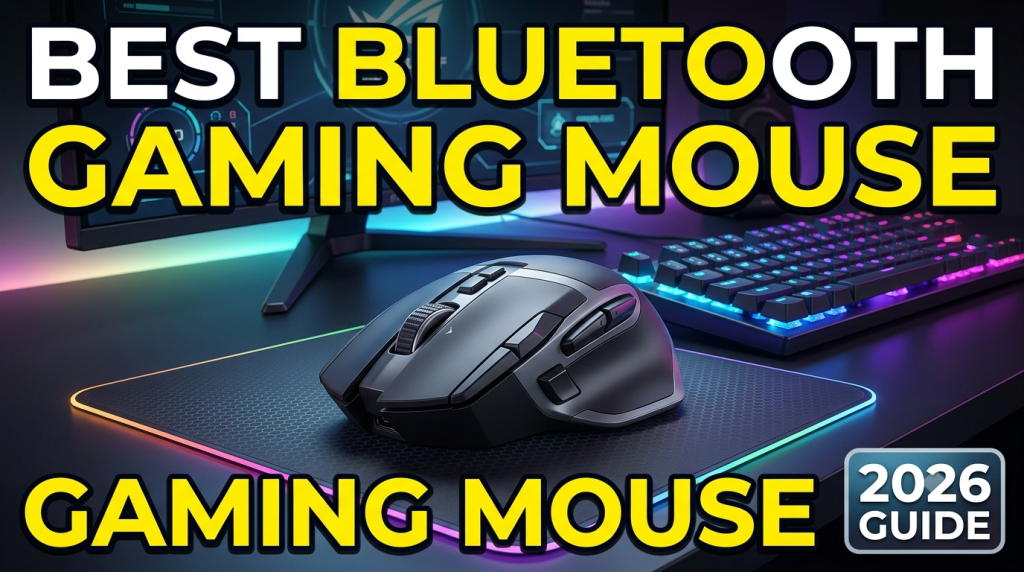
Best Bluetooth Gaming Mouse (2026 Guide)
Introduction
A Bluetooth gaming mouse is one of the most important accessories for gamers who want a clean, cable-free setup without sacrificing performance. Modern Bluetooth gaming mice offer fast response times, ergonomic designs, customizable buttons, and long battery life, making them suitable for competitive gaming, casual play, and everyday productivity.
Whether you’re playing FPS titles like Call of Duty and Valorant, MOBA games like League of Legends, or RPGs, choosing the right Bluetooth gaming mouse can significantly improve your gaming experience.
In this guide, we’ll explore theBest bluetooth gaming mouse, their key features, benefits, and how to choose the perfect one for your needs.
Why Choose a Bluetooth Gaming Mouse?
Best bluetooth gaming mouse technology has improved dramatically over the past few years. Today’s premium gaming mice deliver low-latency performance that rivals wired models while offering greater flexibility.
Some advantages include:
- Wireless freedom with no cable drag
- Clean and organized gaming setup
- Easy connection to laptops, desktops, and tablets
- Portable for travel and gaming on the go
- Long battery life lasting weeks or even months
- Multi-device connectivity
Many premium gaming mice now support both Bluetooth and 2.4GHz wireless modes, allowing gamers to switch between productivity and competitive gaming effortlessly.
Features to Look for in a Bluetooth Gaming Mouse
High DPI Sensor
A best bluetooth gaming mouse should feature a high-quality optical sensor with adjustable DPI settings. Most gaming mice offer between 800 and 26,000 DPI.
Higher DPI allows:
- Faster cursor movement
- Better tracking
- Improved aiming precision
- Smooth gameplay
Low Latency
Latency determines how quickly your mouse responds to your movements.
For gaming, lower latency means:
- Faster reactions
- Better accuracy
- Improved competitive performance
Many modern Bluetooth gaming mice also include ultra-fast wireless technology for professional-level gaming.
Ergonomic Design
Comfort is essential during long gaming sessions.
Look for:
- Comfortable grip
- Lightweight construction
- Textured sides
- Sweat-resistant coating
A well-designed mouse helps reduce hand fatigue.
Programmable Buttons
Gaming mice often include programmable buttons that allow players to:
- Create macros
- Assign shortcuts
- Change weapons quickly
- Execute complex commands
MMO and MOBA gamers especially benefit from additional buttons.
RGB Lighting
RGB lighting isn’t necessary for performance, but many gamers enjoy customizable lighting effects that match their gaming setup.
Popular lighting features include:
- Millions of color combinations
- Dynamic effects
- Game synchronization
- Software customization
Battery Life
Battery performance varies greatly.
Typical battery life ranges from:
- 40 hours
- 70 hours
- 120 hours
- Up to 250+ hours
Long battery life means fewer interruptions while gaming.
Best Bluetooth Gaming Mouse Options
Logitech G309 Lightspeed
The Logitech G309 offers excellent wireless performance, lightweight construction, HERO sensor technology, and impressive battery life.
Pros:
- Excellent sensor
- Comfortable design
- Long battery life
- Multi-device support
Best for:
Competitive gamers and professionals.
Razer Basilisk V3 X HyperSpeed
This mouse combines Bluetooth connectivity with Razer’s HyperSpeed wireless technology.
Features include:
- Programmable buttons
- Ergonomic shape
- RGB lighting
- Long battery life
Ideal for FPS and RPG games.
SteelSeries Aerox 5 Wireless
A lightweight gaming mouse designed for speed.
Highlights:
- Ultra-light construction
- Fast wireless connectivity
- Water-resistant design
- High-performance sensor
Excellent for fast-paced games.
Corsair Darkstar Wireless
A premium gaming mouse featuring multiple programmable buttons and excellent Bluetooth connectivity.
Advantages:
- Comfortable grip
- High DPI sensor
- Durable build quality
- Customizable controls
Perfect for MMO players.
ASUS ROG Harpe Ace
Designed for esports professionals.
Features:
- Lightweight body
- Premium sensor
- Bluetooth support
- Exceptional accuracy
Great for competitive gaming.
Bluetooth vs Wired Gaming Mouse
Bluetooth Gaming Mouse
Pros:
- No cables
- Easy portability
- Clean desk
- Multi-device compatibility
Cons:
- Slightly higher latency in some models
- Requires battery charging
Wired Gaming Mouse
Pros:
- Zero battery concerns
- Lowest possible latency
- Reliable connection
Cons:
- Cable drag
- Less portable
For most casual gamers, Bluetooth performance is more than sufficient.
Tips for Choosing the Best Bluetooth Gaming Mouse
Consider Your Grip Style
Different mice suit different grips:
- Palm Grip
- Claw Grip
- Fingertip Grip
Choose a model designed for your preferred grip.
Check Compatibility
Ensure the mouse supports:
- Windows
- macOS
- Linux
- Android
- iPadOS
Some models also work with gaming consoles.
Weight Matters
Lightweight mice improve reaction speed.
Recommended weights:
- Under 60g for esports
- 60–80g for balanced gaming
- Above 90g for productivity and MMO gaming
Sensor Quality
Always prioritize a premium optical sensor over flashy RGB lighting.
A better sensor provides:
- More accurate tracking
- Better responsiveness
- Improved aiming
Software Support
Good gaming software allows customization of:
- DPI levels
- RGB lighting
- Macros
- Button assignments
- Profiles
This helps tailor the mouse to your gaming style.
Maintenance Tips
Keep your gaming mouse in top condition by following these practices:
- Clean the sensor regularly.
- Wipe the mouse surface with a microfiber cloth.
- Store it in a dry environment.
- Recharge the battery before it becomes completely empty.
- Update firmware through the manufacturer’s software.
- Use a quality mouse pad for optimal tracking.
Proper maintenance extends the lifespan of your gaming mouse.
Frequently Asked Questions
Is Bluetooth good enough for gaming?
Yes. Modern Bluetooth gaming mice offer excellent performance for most gamers. Competitive esports players may still prefer 2.4GHz wireless or wired connections for the lowest latency.
What DPI is best for gaming?
Most gamers use between 800 and 3200 DPI, depending on their game and personal preference.
Can Bluetooth gaming mice be used for work?
Absolutely. They are ideal for productivity, graphic design, programming, office work, and everyday browsing.
How long does a Bluetooth gaming mouse battery last?
Battery life varies by model, ranging from 40 hours to over 250 hours on a single charge or battery.
Are Bluetooth gaming mice worth buying?
Yes. They offer convenience, portability, and excellent performance, making them a great investment for gamers and professionals alike.
Conclusion
A high-quality Bluetooth gaming mouse can transform your gaming experience by providing freedom of movement, precise tracking, customizable controls, and long-lasting comfort. Whether you’re a competitive esports player or a casual gamer, investing in a reliable Bluetooth gaming mouse ensures smoother gameplay and greater productivity.
When selecting a gaming mouse, focus on sensor quality, battery life, ergonomics, programmable buttons, and connectivity options. With many outstanding models available in 2026, there’s a Bluetooth gaming mouse to suit every budget and gaming style.
Choose the one that best fits your needs, maintain it properly, and enjoy a seamless wireless gaming experience for years to come.